This article shows how to get the debug log from the PeopleSync App and send it to us.
The logs contain personal data, including, but not limited to account names, contact data, IP addresses.
📘 Instructions
-
In the PeopleSync App, go to Menu > Settings.
-
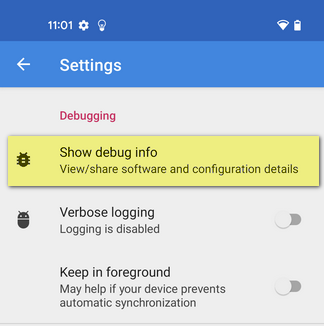
Click on Show Debug info.
-
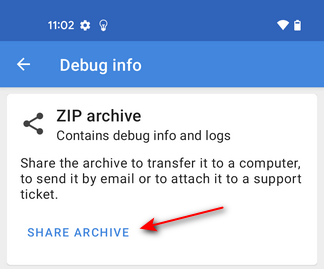
Send the content of this debug info to us by clicking on SHARE ARCHIVE.