The Peoplesync Frontend uses a SQL Server login to connect to the PeopleSync database. This article explains how to change this user’s password in PeopleSync.
📘 Instructions
After changing the SQL login’s password in SQL Server Management Studio, follow these steps to change the password in the PeopleSync Frontend.
-
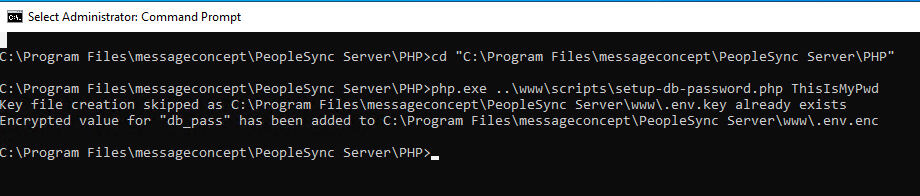
On the frontend server, open an elevated command prompt.
-
Change to the PeopleSync PHP directory by running the following command:
cd "C:\Program Files\messageconcept\PeopleSync Server\PHP" -
Then, change the password by running the following command. Please replace “<Password>” with your password:
php.exe ..\www\scripts\setup-db-password.php <Password> -
The output should contain the following:
Encrypted value for db_pass has been added to ""C:\Program Files\messageconcept\PeopleSync Server\www.env.enc"